
lego world
Choose a brand and tell a story using simple principles of animation, combining shapes and adding motion to them. Lego was my choice.
category:
animation
type:
logo motion
DATE:
april, 2020
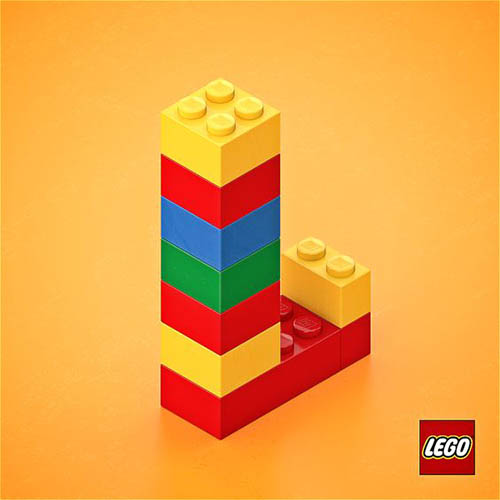
brief
In order to apply your previously gained knowledge and skills to themes closer to graphic design you are to take on the new challenge of animating a logo. There are countless ways of doing this but you will be required to think conceptually, create a very interesting, playful and appealing animation and convey meaning as well as brand identity. It is important that you concentrate on pure animation and no effects or presets are allowed in this projects.
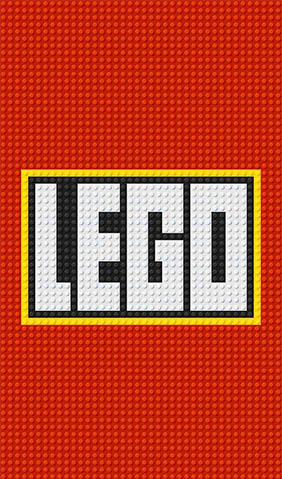
logo of lego
process of animation
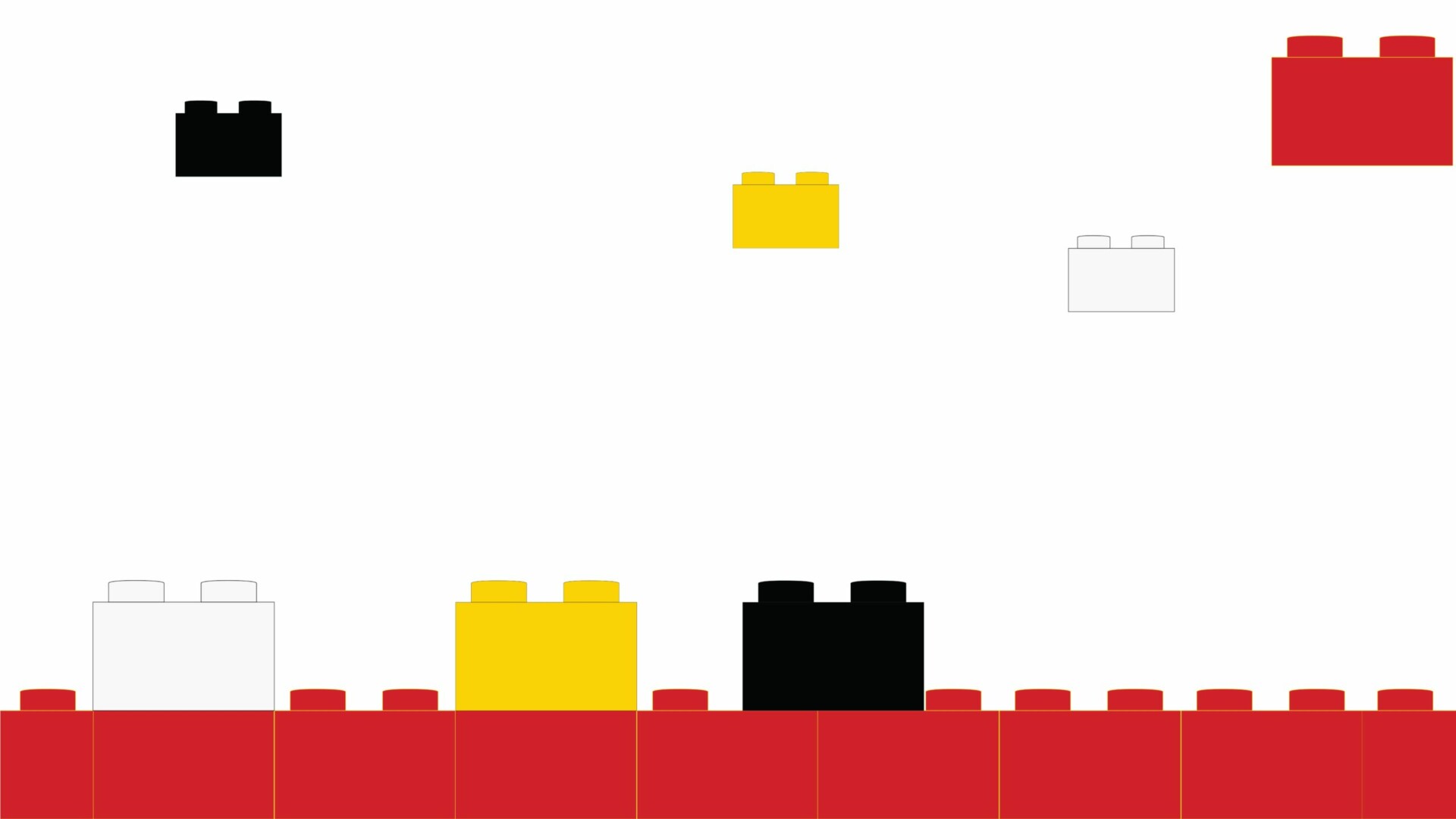
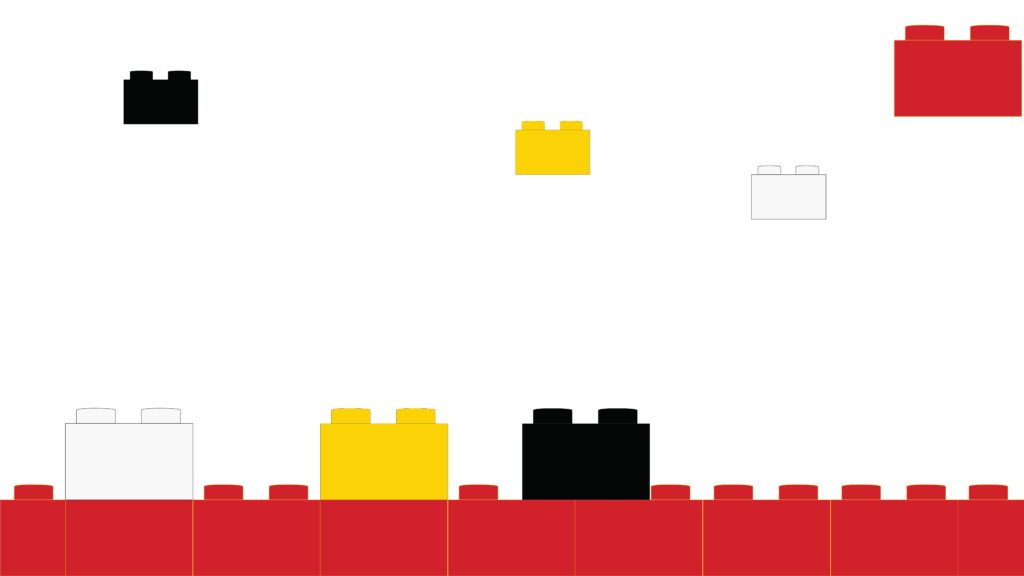
For the brand logo animation I decided to go with Lego brand because of simplicity of its shape, already set direction on how the legos can be used as well as different variations of the lego game. It’s colorful variations allowed me to create the visual interest and I decided to give the legos life. I animated them to be moving all around and played with the perspective shift. With adding different sounds from the old games I allowed the viewer to feel the motion of them.
step
by
step
To create the animation I firstly created the lego bricks, closeup of small lego brick with the logo as well as the starting composition in Illustrator. Then, with the compositions I moved to the After effects where I animated each of the bricks individually. To create the perspective shift, I had to create the whole logotype in the lego bricks and then animated those to feel like falling down, so vice versa process was applied on it. It took a multiple steps to finalise the look, but only basic options were used in the after effects. The animation finishes with the logo of the Lego and its transition to the real Logo.
LEGO ANIMATION
Funny, dynamic,
simple animation.